
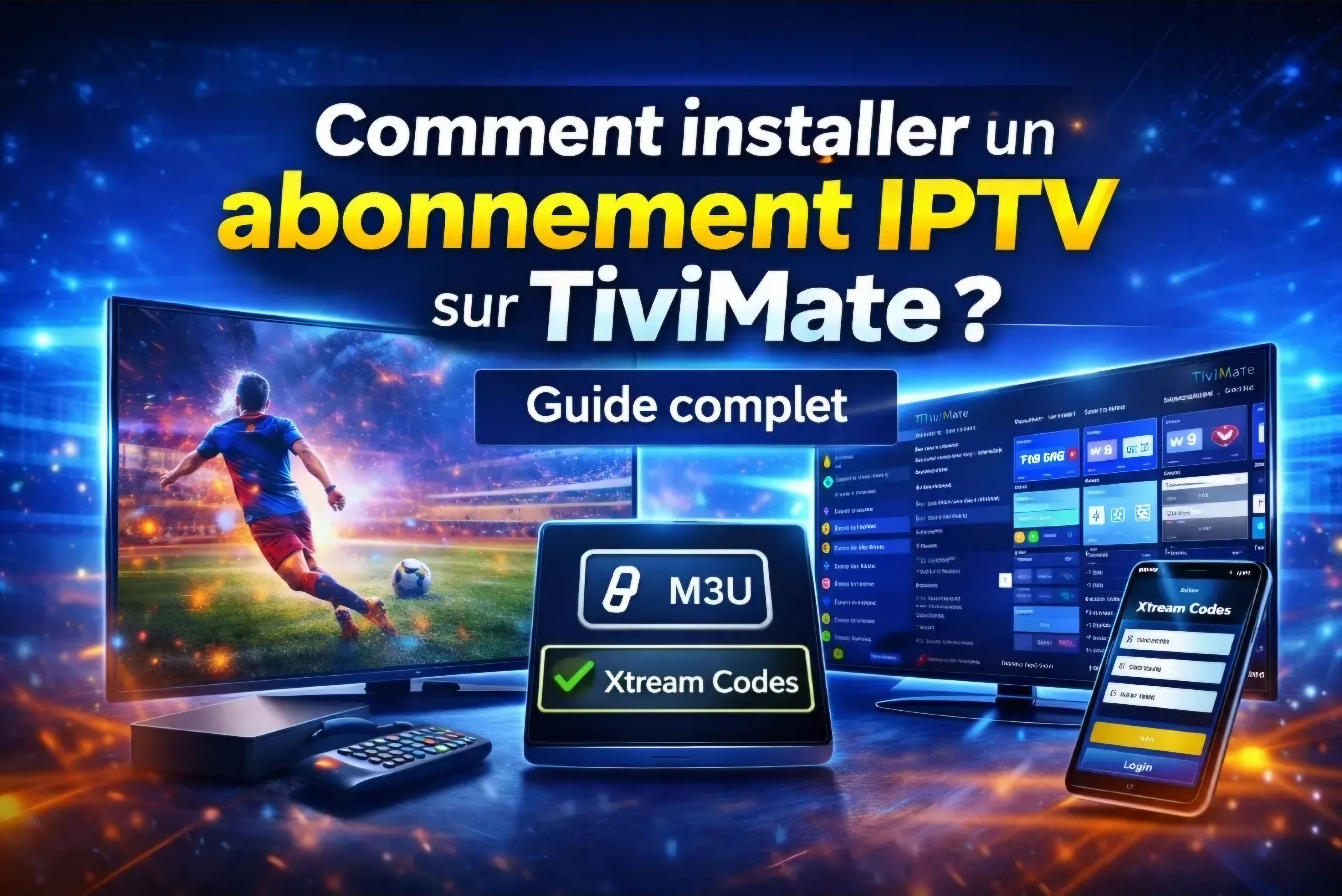
TiviMate is one of the most popular IPTV players for Android TV devices. It offers a television-style interface, favorites, EPG support and playlist management. This guide explains the main setup process.
Install TiviMate
On Android TV, open Google Play Store, search for TiviMate IPTV Player and install it. On Firestick, use a trusted installation method and verify the application source before installing.
TiviMate is a player only. It does not include channels or subscriptions.
Add Xtream Codes
Open TiviMate, choose Add Playlist and select Xtream Codes Login. Enter the server address, username and password exactly as supplied by your provider.
Enable VOD if you want movies and series to appear, then wait for the playlist to finish loading.
Configure the EPG
Most Xtream Codes accounts load EPG data automatically. If it is missing, open playlist settings and check the EPG source.
Refresh the EPG and playlist after major provider updates.
Create favorites
Long channel lists are easier to use when you create favorites. Add the channels you watch most and reorder categories based on your preferences.
Improve playback
Use Ethernet, close background applications and test the buffer size under Settings and Playback. Keep the device storage clean and restart it regularly.
Frequently Asked Questions
Does TiviMate include channels?
No. It is an IPTV player and requires subscription details from a provider.
Can TiviMate work on Apple TV?
No. It is designed for Android-based platforms.
Is the Premium version required?
No. The free version works, while Premium unlocks additional management and viewing features.