
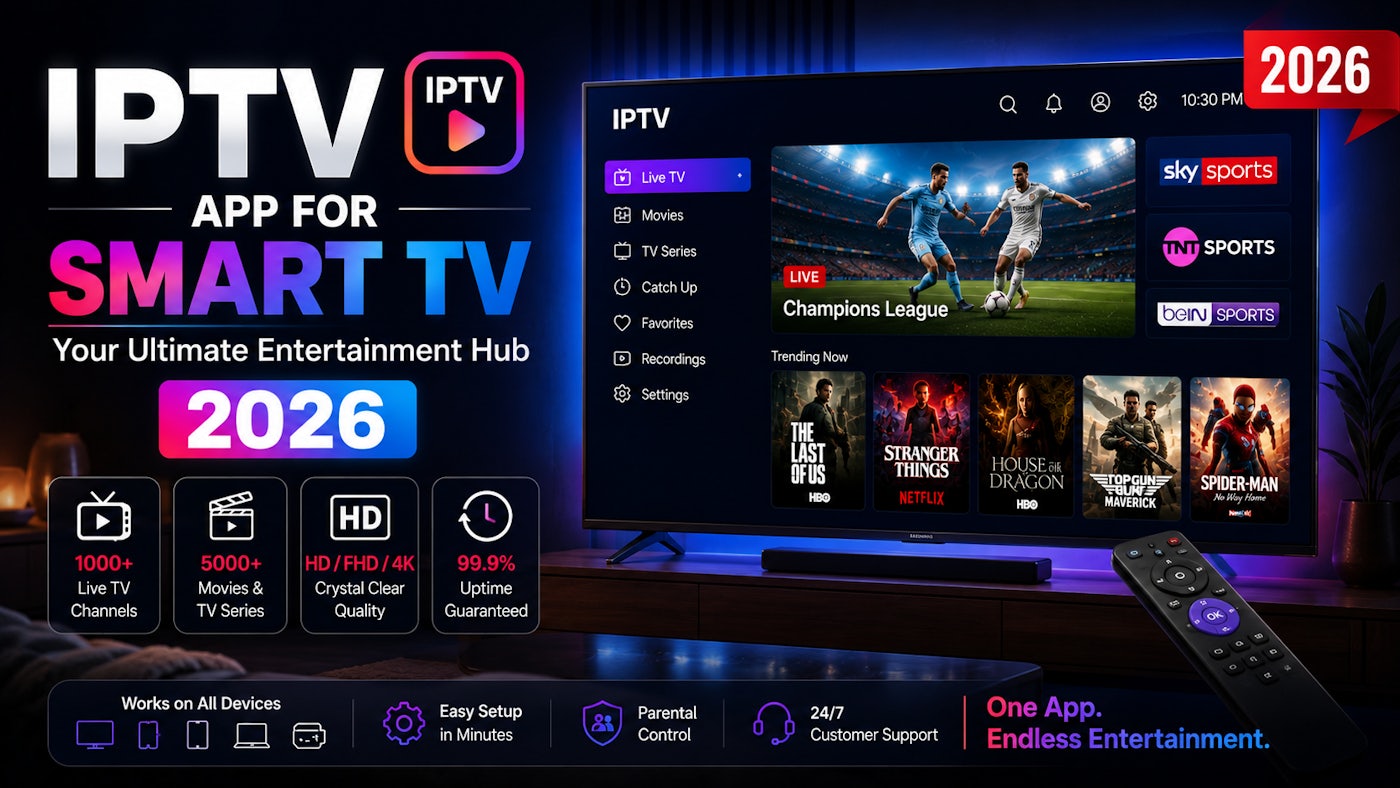
Samsung and LG televisions can run IPTV through compatible applications. The exact app depends on the television model, country and app-store availability.
Check your television platform
Samsung televisions normally use Tizen, while LG televisions use webOS. Open the television app store and search for an IPTV player that supports your provider’s login format.
App availability can vary by country and television model.
Install and identify the player
Some Smart TV players display a device ID or MAC address. Others allow direct Xtream Codes or M3U login. Follow the application’s activation instructions carefully.
Never post the device ID, portal URL or subscription credentials publicly.
Add the playlist
Enter the server details or upload the playlist through the application’s official management page. Confirm that the URL begins with the correct protocol and contains no spaces.
Restart the application after activation so it can download channels and categories.
Improve performance
Connect the television by Ethernet when possible. Disable unnecessary background features and restart the television if the application becomes slow.
If the built-in TV application performs poorly, an external Android TV box, Firestick or Apple TV may provide a faster experience.
Keep the setup organized
Use favorites and parental controls where available. Remove unused categories to make navigation faster.
Frequently Asked Questions
Can every Samsung or LG TV install the same IPTV app?
No. Compatibility depends on the model, operating system, region and app-store availability.
Why does the TV app feel slow?
Older televisions have limited memory and processing power compared with external streaming devices.
Can I use an external device instead?
Yes. Firestick, Android TV and Apple TV are common alternatives.