
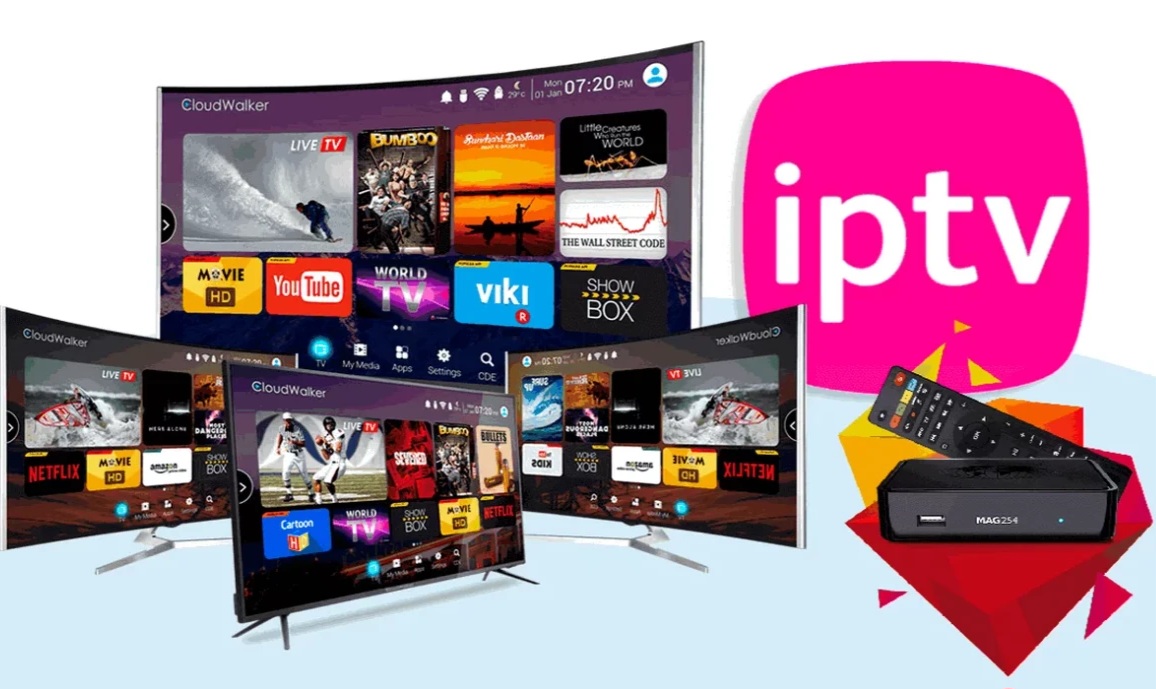
Amazon Firestick is a popular IPTV device because it is affordable, portable and compatible with several Android-based players. Good performance depends on storage, Wi-Fi quality and the player configuration.
Prepare the Firestick
Connect the Firestick to a stable 5 GHz Wi-Fi network or an Ethernet adapter. Update Fire OS and remove unused applications before installing the IPTV player.
Restarting the Firestick can improve memory availability.
Install a compatible player
Use the Amazon Appstore when the player is available there. For other applications, follow a trusted installation method and avoid unofficial modified packages.
Players such as TiviMate or other compatible apps can use Xtream Codes or M3U playlists.
Add your subscription
Enter the portal URL, username and password exactly as supplied. Choose a clear playlist name and enable VOD only if you want movies and series loaded.
Large libraries can take time to import on lower-storage Firestick models.
Reduce buffering
Keep at least some free storage, use Ethernet when possible and stop background downloads. Test another channel source before changing many settings.
A router restart can help when the device has a weak or unstable connection.
Protect your account
Do not share subscription credentials and avoid installing unknown remote-access tools. Use only applications you trust.
Frequently Asked Questions
Which Firestick is best for IPTV?
Newer Firestick models generally provide faster processors and better Wi-Fi performance.
Can I use Ethernet?
Yes, with a compatible Ethernet adapter.
Why does the playlist load slowly?
Large VOD libraries, low storage and slower devices can increase loading time.