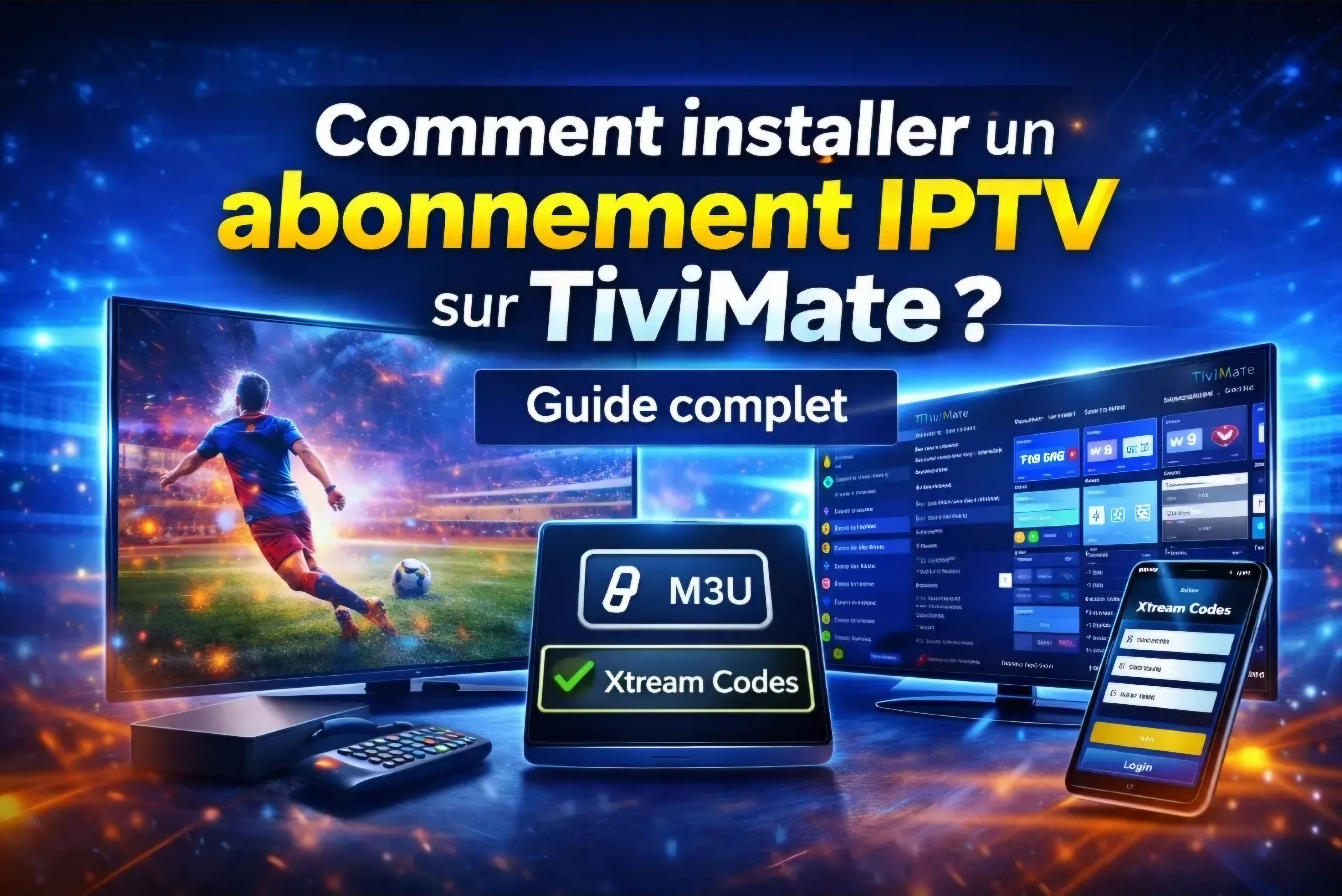
If you are using an Android TV Box, Nvidia Shield, or Firestick, TiviMate is arguably the most powerful and well-designed IPTV player available today. When paired with a robust provider like Benzoo TV, you get a premium cable-like experience with an ultra-fast EPG (TV Guide) and flawless 4K streaming.
Step 1: Install TiviMate App
There are two ways to get TiviMate depending on your device:
- For Android TV (Nvidia Shield, Chromecast): Simply open the Google Play Store, search for "TiviMate IPTV Player", and click Install.
- For Firestick: Open the Downloader app and type in the direct APK code for TiviMate, then install.
Step 2: Add Your Benzoo TV Playlist (Xtream Codes)
Once you open TiviMate, you will be asked to add a playlist. The best and fastest way to do this is using the Xtream Codes Login method:
- Click on Add Playlist.
- Select Xtream Codes Login.
- Enter your Server Address (Portal URL).
- Enter your Username and Password.
- Check the box that says "Include VOD" if you want movies and series.
Don't Have Xtream Codes Yet?
TiviMate requires a high-quality server to perform at its best. Contact us on WhatsApp now, and we will send you Premium Xtream Codes to activate your 24-Hour Free Trial instantly!
Get Premium Codes & TrialStep 3: Upgrade to TiviMate Premium (Optional)
While the free version of TiviMate works great for watching live TV, upgrading to Premium unlocks game-changing features:
- Catch-up TV: Watch missed shows from the past few days.
- Multi-view: Watch up to 4 live sports events on the same screen.
- Favorites Management: Easily organize your top channels.
- Scheduled Recording: Record matches to watch later.
To upgrade, you will need to download the "TiviMate Companion" app on an Android phone, create an account, and pay the subscription (approx. $7.99/year or $27.99 lifetime).
Step 4: Optimize Settings for Zero Buffering
To ensure you get the absolute best performance from Benzoo TV servers, go to TiviMate Settings -> Playback, and change the Buffer Size to "Large" or "Extra Large". This helps immensely if you are watching high-bitrate 4K sports events.