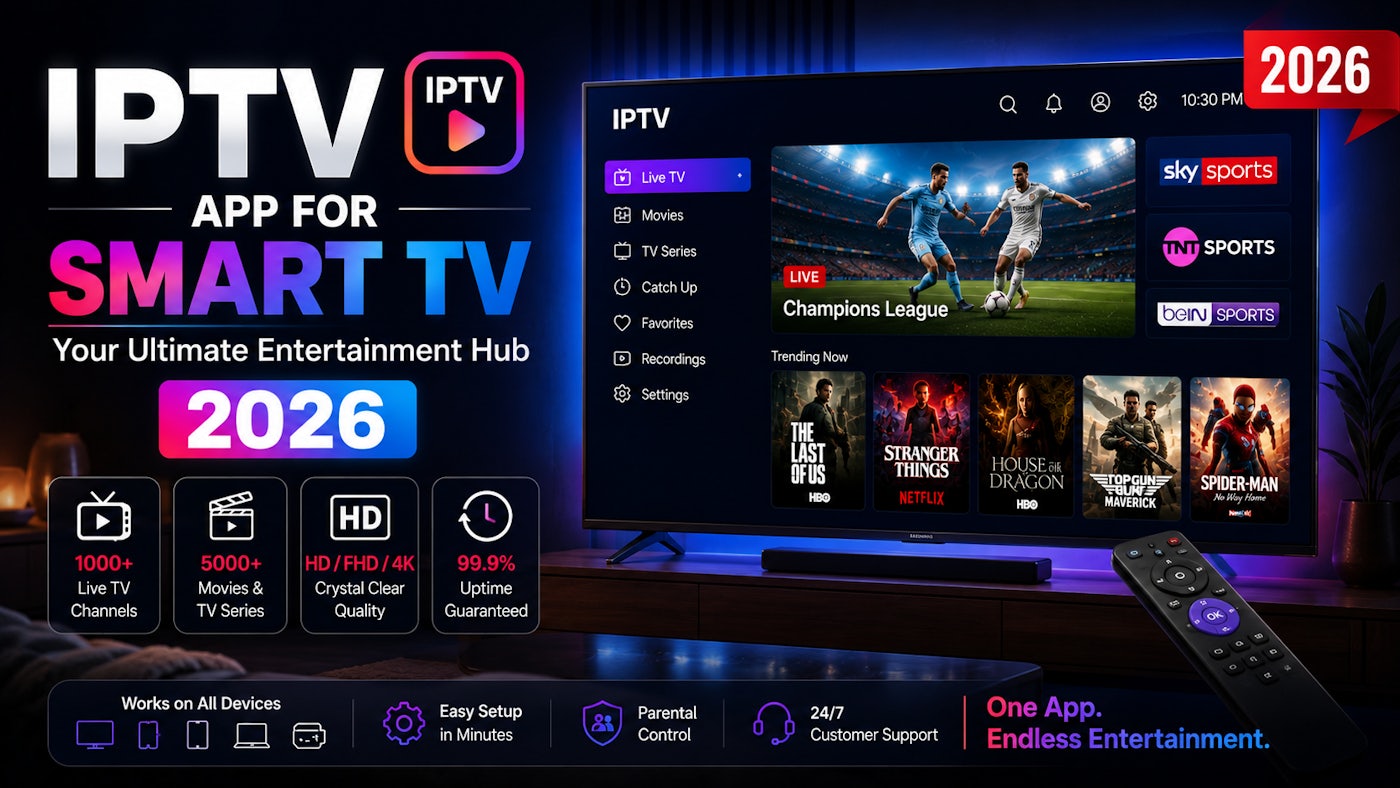
Watching 4K live sports and VODs directly on your Samsung or LG Smart TV without any external boxes is incredibly easy. With Benzoo TV's advanced server protocol and the latest smart TV apps, you can transform your TV into a premium entertainment hub in minutes.
Step 1: Open Your TV's App Store
Depending on your TV brand, grab your remote and open the official app store:
- Samsung TVs: Press the Smart Hub button and go to Apps.
- LG TVs: Press the Home button and go to the LG Content Store.
Step 2: Download a Premium IPTV Player
Search for and install one of the top-rated IPTV applications available on your TV's store. We highly recommend these fast and reliable apps for 2026:
- Ibo Player (Highly Recommended)
- Hot Player
- Ibo Pro Player
- Bob Player
Step 3: Find Your Device MAC Address
Once you install and open your chosen app (like Ibo Player), the first screen will display two important pieces of information:
- Device MAC Address (e.g., a1:b2:c3:d4:e5:f6)
- Device Key / Password
Do not close this screen. You will need these details to activate your premium channels.
Ready to Load Your Playlist?
Take a quick picture of your TV screen showing the MAC Address and send it to us on WhatsApp. We will remotely configure your app and instantly activate your 24-Hour Free Trial!
Send MAC & Get TrialStep 4: Restart and Enjoy
After we confirm on WhatsApp that your Benzoo TV playlist has been loaded, simply Restart the app on your TV. The app will load 34,000+ live networks, sports channels, and VODs directly onto your screen with zero buffering.
Important Note Apps like Ibo Player come with a 7-day free trial for the app itself. After 7 days, you may need to pay a small one-time activation fee to the app developer (usually around €8 for a lifetime). This is separate from your Benzoo TV subscription.